Ideas. Expertise.
Better IT for your business.
Practical Windows Server guides, business insights and the latest from Netcloud24. Everything you need to build, manage and protect your infrastructure.
Latest insights.

Server Backup Recovery for Windows Business Systems
Server backup recovery protects Windows business applications, SQL data and shared files when deletion, corruption or failure disrupts daily operations.
Read the article →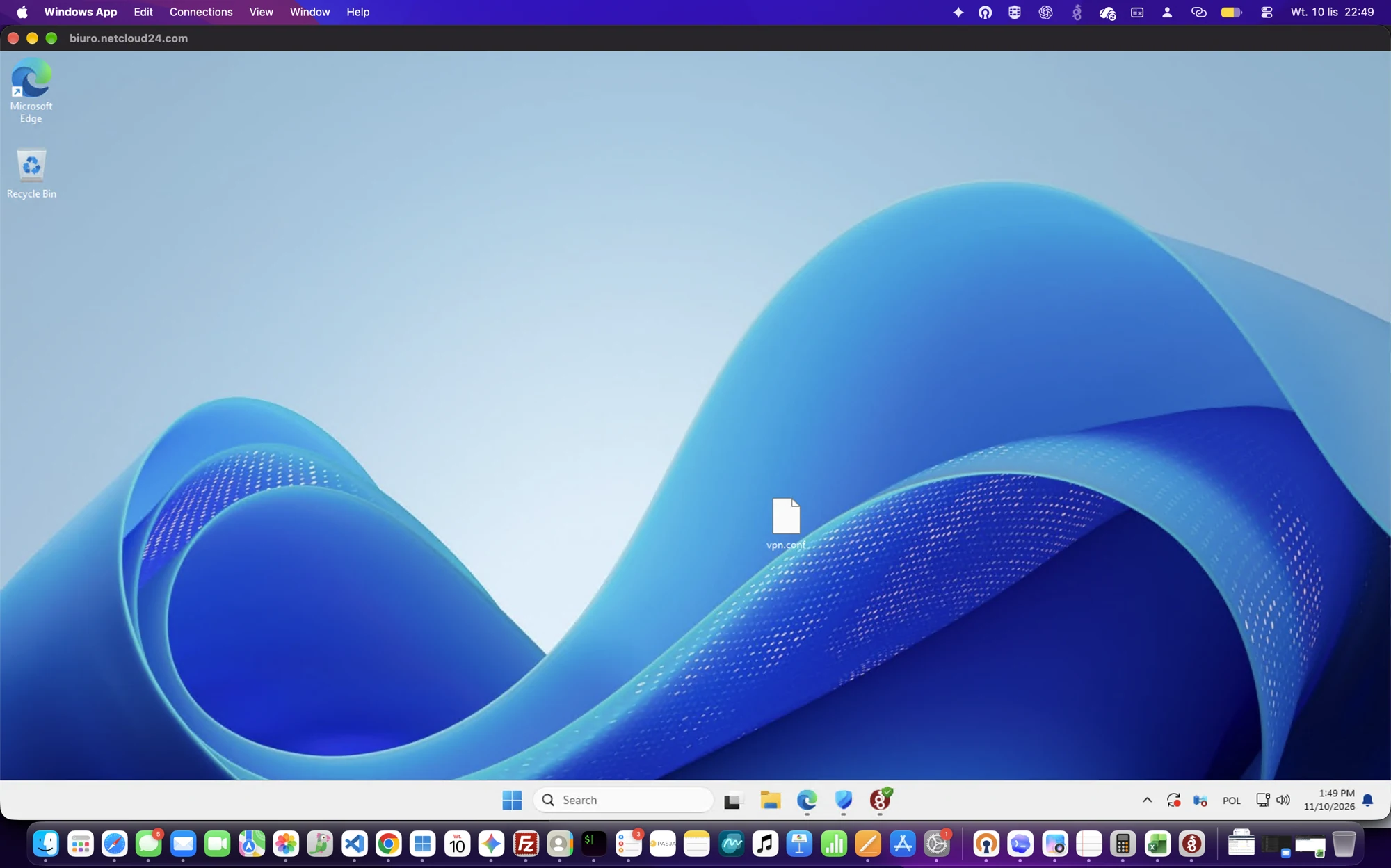
How Teams Work on a Windows VPS with RDS from Windows and Mac
Several employees can work on one Windows VPS through separate RDS sessions from Windows or Mac. Netcloud24 prepares the entire agreed environment from A to Z.
Read the article →How to Connect to a Windows VPS from Mac with WireGuard and Windows App
Your server environment is prepared by Netcloud24 from A to Z. Import the supplied VPN profile on your Mac and sign in to your VPS through Windows App.
Read the article →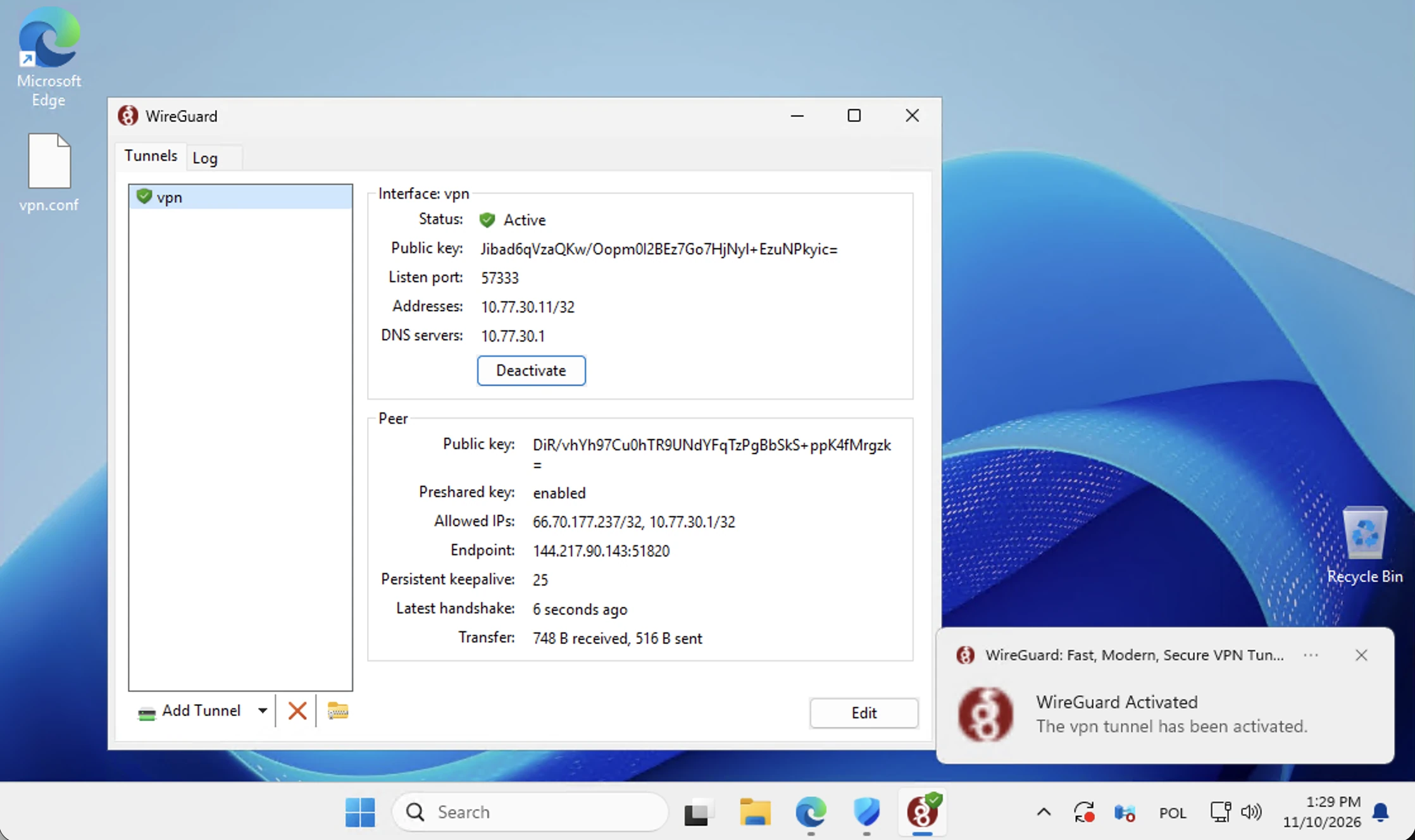
How to Set Up WireGuard VPN on Windows for Remote Desktop Access
Netcloud24 prepares the VPN and server access for you. Download your ready-made profile from the client area, activate WireGuard on Windows and connect to your VPS.
Read the article →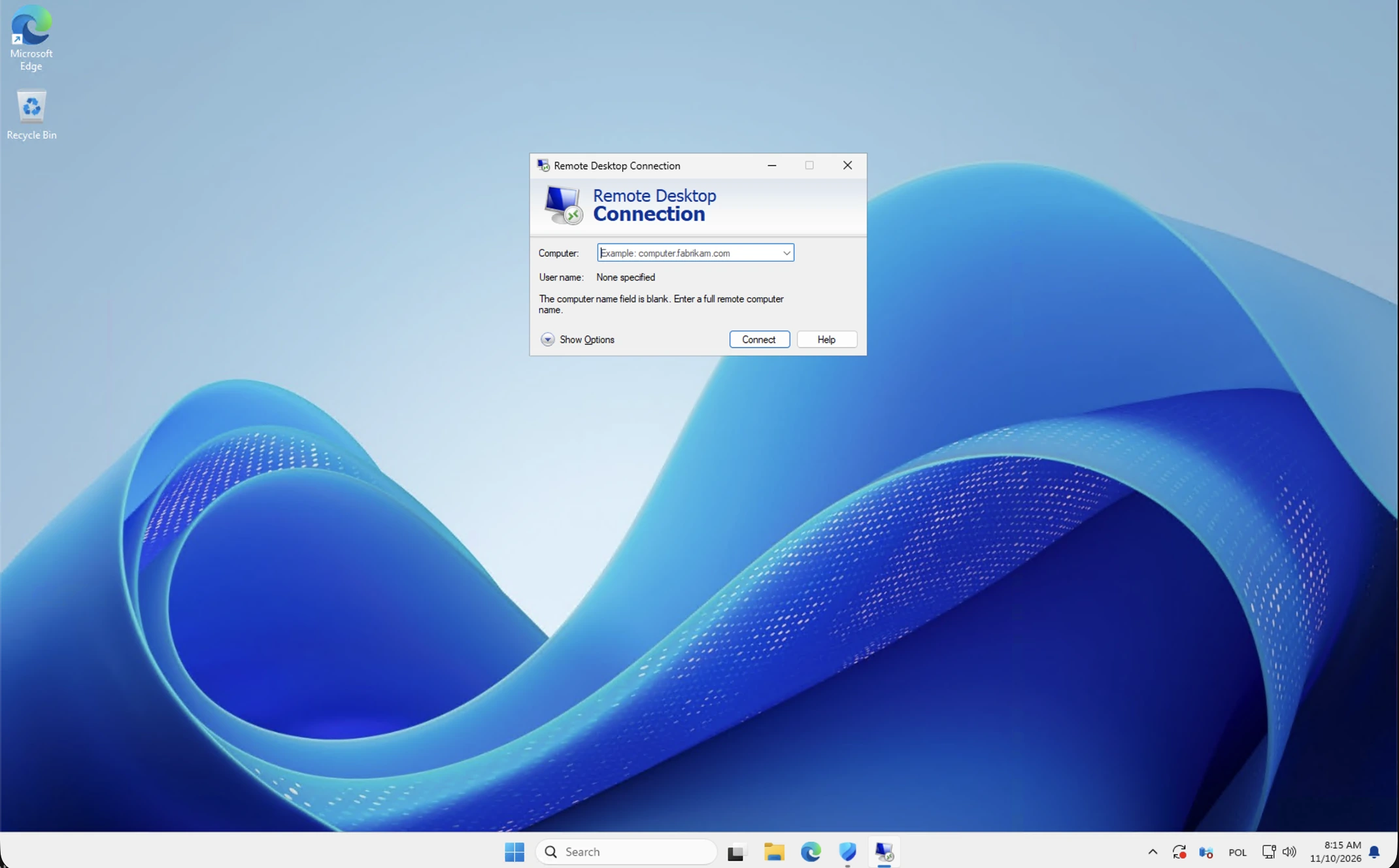
How to Connect to a Windows VPS with Remote Desktop
Your Windows VPS is configured by Netcloud24 from A to Z. Open Remote Desktop, enter the supplied address and sign in with your assigned Windows account.
Read the article →
Managed VPS Support for Windows Business Apps
Managed VPS support for Canadian businesses using Windows apps, RDS and shared data, with controlled access, backups and clear service accountability.
Read the article →
RDS Licensing Explained for Canadian Businesses
RDS licensing explained for Canadian businesses: understand Windows Server CALs, RDS User CALs, access rules, and what a managed VPS includes each month.
Read the article →
Managed Versus Unmanaged VPS: What Businesses Need
Compare managed versus unmanaged VPS options for Windows business applications, Remote Desktop users, security controls, backups, licensing, and support.
Read the article →
How to Set Up Remote Application Access Securely
Learn how to set up remote application access with Windows Server, RDS, VPN controls, individual accounts, backups, and a managed onboarding plan process.
Read the article →Find your next answer.
Most Popular Articles
 Server Core vs Desktop Experience: How to Choose for Windows Server 2019, 2022 and 2025
Compare Server Core and Desktop Experience for Windows Server 2019, 2022 and 2025. Assess application support, management tools, optional components and recovery skills before…
 How to Enable and Test PowerShell Remoting on Windows Server
Enable and test Windows PowerShell remoting with WinRM using trusted management paths. Inspect listeners, authentication and firewall scope, verify remote commands and preserve…
 How to Rename Windows Server Safely with PowerShell
Rename an ordinary Windows Server member or standalone server using PowerShell. Check dependencies and name conflicts, control the restart, validate DNS and applications, and…
 How backups and restore requests work
Understand daily backup schedules, retention and recovery scope for Windows VPS and Managed plans. Prepare restore requests, preserve current data and validate recovered files or…
 How to Install and Validate Windows Server Failover Clustering
Applies to: Windows Server 2019, 2022 and 2025.Failover Clustering provides coordinated high availability for…
