Applies to: Windows Server 2019, 2022 and 2025.
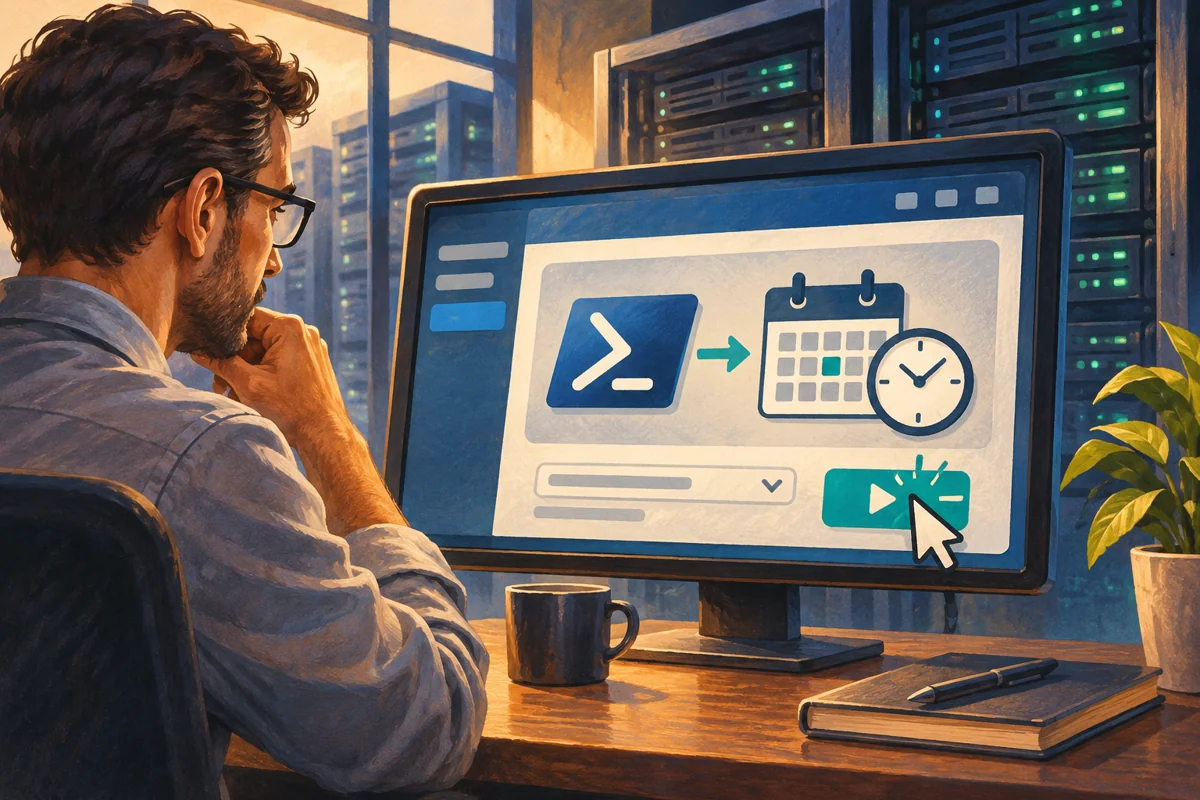
A scheduled task can run repeatable maintenance without an interactive session. Use a managed service account where supported and log every execution.
Automation magnifies both correct and incorrect actions. Use source control, peer review, test environments and least privilege. Visit managed Windows VPS hosting.
Prerequisites
- Store the script in a protected path.
- Define runtime identity and permissions.
- Make the script idempotent.
- Choose retry and failure monitoring.
Procedure
Step 1: Create script path
Restrict modification rights.
New-Item -ItemType Directory -Path 'C:\ProgramData\CorpScripts' -ForceStep 2: Create action
Run PowerShell non-interactively.
$action=New-ScheduledTaskAction -Execute 'PowerShell.exe' -Argument '-NoProfile -NonInteractive -File C:\ProgramData\CorpScripts\Maintenance.ps1'Step 3: Create trigger
Schedule daily example.
$trigger=New-ScheduledTaskTrigger -Daily -At 2:00AMStep 4: Create settings
Stop hung tasks and allow restart.
$settings=New-ScheduledTaskSettingsSet -ExecutionTimeLimit (New-TimeSpan -Hours 2) -RestartCount 2 -RestartInterval (New-TimeSpan -Minutes 10)Step 5: Register
Use approved service identity and avoid passwords in scripts.
Register-ScheduledTask -TaskName 'Corp Maintenance' -Action $action -Trigger $trigger -Settings $settings -User 'CORP\svc-maintenance'Step 6: Test
Start manually and inspect result.
Start-ScheduledTask -TaskName 'Corp Maintenance'Verification
Check state, last run and result code.
Get-ScheduledTask -TaskName 'Corp Maintenance'
Get-ScheduledTaskInfo -TaskName 'Corp Maintenance'
Rollback
Disable-ScheduledTask for immediate rollback, then Unregister-ScheduledTask after preserving logs.
Security notes
Task registration that prompts for a password should be performed interactively and replaced with gMSA where feasible.
Official references
For a hosted environment with setup and onboarding, explore our managed Windows VPS plans.
 How to Run a PowerShell Command on Multiple Windows Servers
Applies to: Windows Server 2019, 2022 and 2025.PowerShell Remoting can execute…
 How to Enable PowerShell Transcription with Group Policy
Applies to: Windows Server 2019, 2022 and 2025.Transcription records commands and…
 How to Sign a PowerShell Script with a Code-Signing Certificate
Applies to: Windows Server 2019, 2022 and 2025.Authenticode signatures prove…
 How to Configure a Just Enough Administration Endpoint
Applies to: Windows Server 2019, 2022 and 2025.JEA provides constrained PowerShell…
