
Applies to: Windows Server 2019, 2022 and 2025.
A full-server backup captures critical volumes for recovery. The target must have enough capacity and remain separate from protected workloads.
Recovery procedures must be tested before an outage. Protect backup credentials and keep at least one recovery path separate from production. Visit managed Windows VPS hosting.
Prerequisites
- Install Windows Server Backup.
- Select a dedicated target.
- Close or quiesce applications where vendor guidance requires it.
- Schedule a maintenance window.
Procedure
Step 1: Identify critical volumes
Review system and data layout.
Get-Volume
wbadmin get disks
Step 2: Start backup
Replace E: with the approved target.
wbadmin start backup -backupTarget:E: -allCritical -include:D: -quietStep 3: Monitor
Check running status.
wbadmin get statusStep 4: List versions
Confirm catalogue entry.
wbadmin get versionsStep 5: Review events
Investigate warnings or VSS failures.
Verification
The completed version should list expected volumes and no critical error.
wbadmin get versions
Get-WinEvent -LogName 'Microsoft-Windows-Backup' -MaxEvents 30
Rollback and recovery considerations
Backup creation is non-destructive. If destination or content selection was wrong, preserve evidence, correct the job and repeat; remove old copies only through approved retention.
Operational notes
Use application-consistent backup methods for workloads such as SQL Server when required.
Official references
For a hosted environment with setup and onboarding, explore our managed Windows VPS plans.
 How to Install Windows Server Backup and Verify the Feature
Applies to: Windows Server 2019, 2022 and 2025.Windows Server Backup provides…
 How to Create an Active Directory System State Backup
Applies to: Windows Server 2019, 2022 and 2025.System-state backup is required for…
 How to Restore Individual Files with Windows Server Backup
Applies to: Windows Server 2019, 2022 and 2025.File recovery should restore to an…
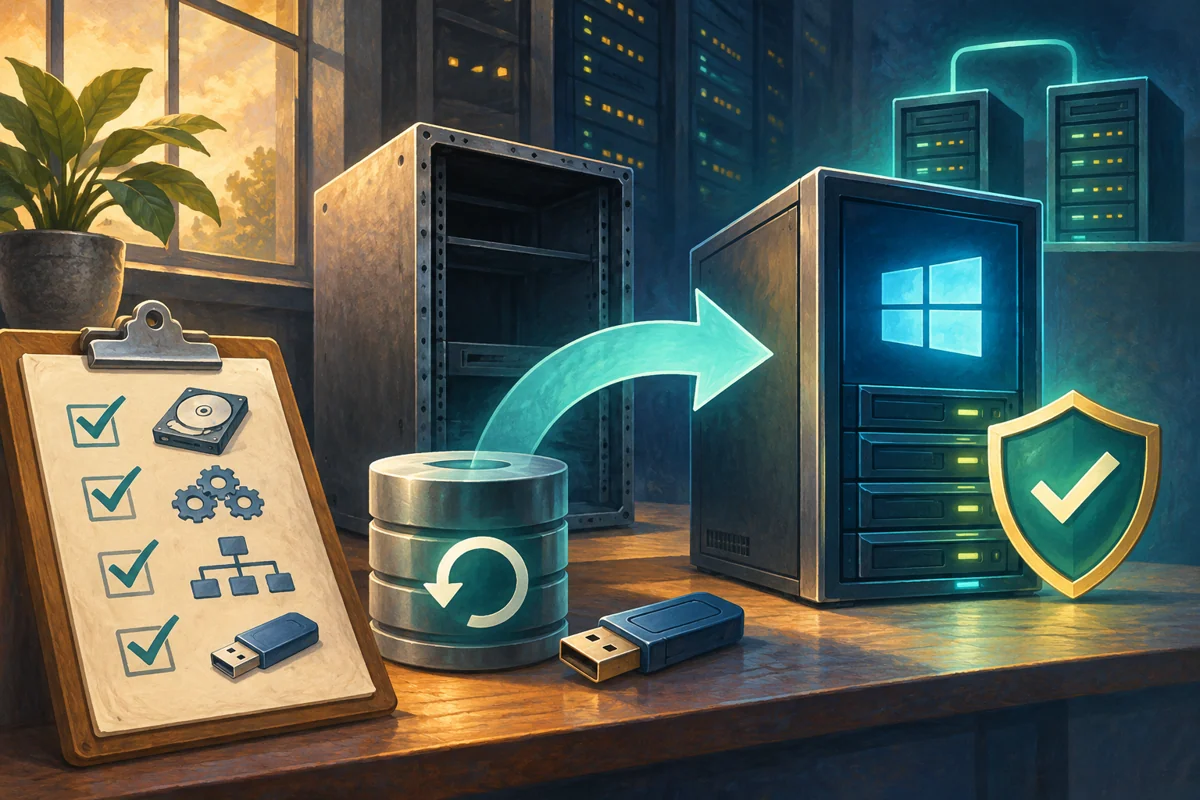 How to Prepare for Bare-Metal Recovery of Windows Server
Applies to: Windows Server 2019, 2022 and 2025.Bare-metal recovery rebuilds the…
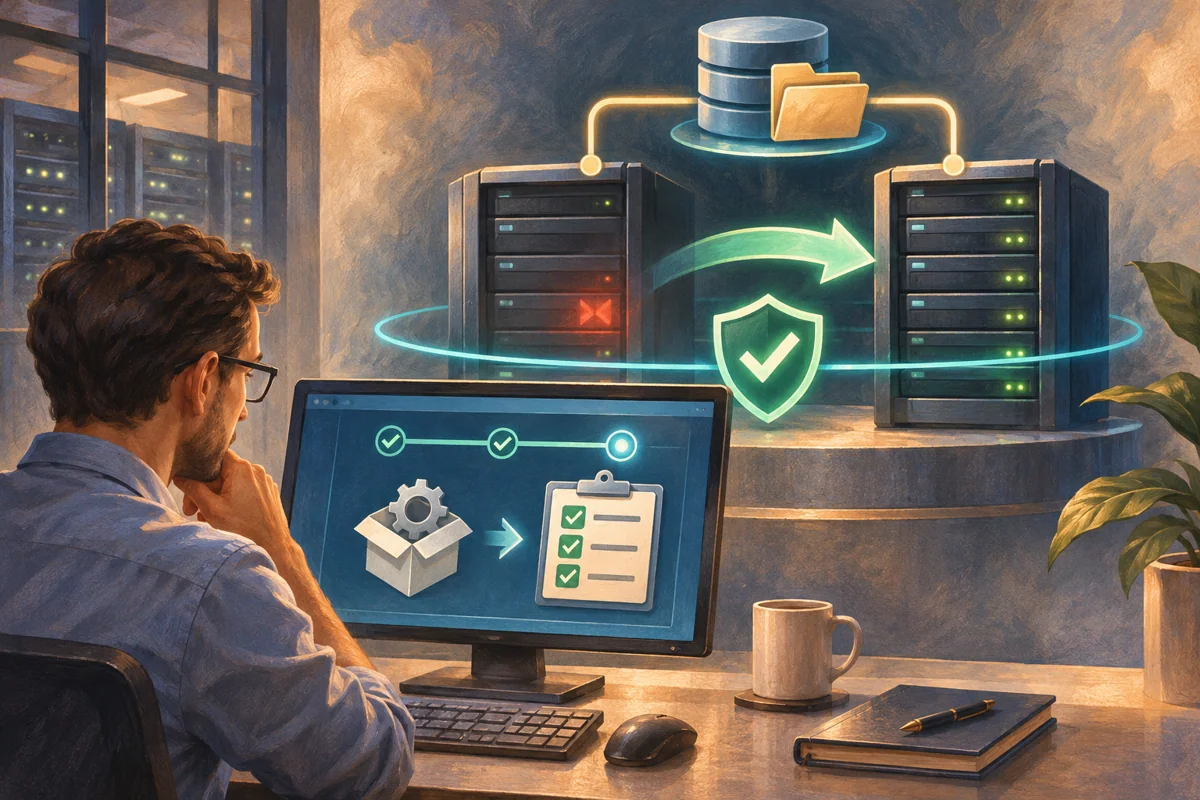 How to Install and Validate Windows Server Failover Clustering
Applies to: Windows Server 2019, 2022 and 2025.Failover Clustering provides…
