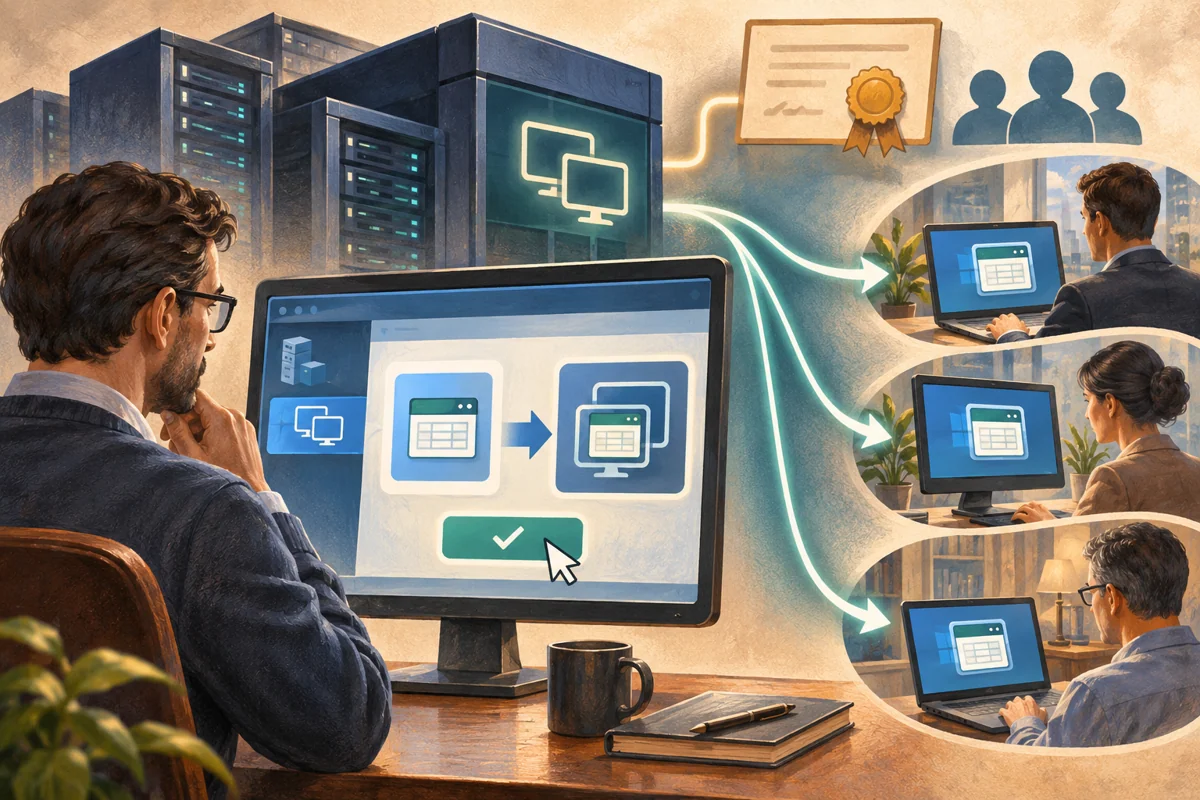
Applies to: Windows Server 2019, 2022 and 2025.
RemoteApp presents an approved program instead of a full desktop. The application must be installed consistently on every Session Host in the collection.
RDS deployments require Windows Server licensing, the correct RDS CAL model and secure access design. Administrative RDP sessions are not a replacement. Review managed RDS hosting at managed Windows VPS hosting.
Prerequisites
- Confirm application vendor supports RDS.
- Install the same version and path on every host.
- Create the RDS collection.
- Test dependencies, file associations and licensing.
Procedure
Step 1: Review collection
Confirm hosts and health.
Get-RDSessionCollection -ConnectionBroker 'rdcb01.corp.example'Step 2: Verify application path
Check the executable on each Session Host.
Test-Path 'C:\Program Files\BusinessApp\BusinessApp.exe'Step 3: Publish RemoteApp
Create a unique alias.
New-RDRemoteApp -CollectionName 'Business Applications' -DisplayName 'Business App' -FilePath 'C:\Program Files\BusinessApp\BusinessApp.exe' -Alias 'businessapp' -ConnectionBroker 'rdcb01.corp.example'Step 4: Assign users
Restrict collection access to approved AD groups.
Step 5: Test full workflow
Validate launch, printing, file access and sign-out from a standard client.
Verification
Query published applications and launch through RD Web or the approved feed.
Get-RDRemoteApp -CollectionName 'Business Applications' -ConnectionBroker 'rdcb01.corp.example'Rollback
Use Remove-RDRemoteApp for the collection and alias after confirming no feed or user workflow depends on it.
Licensing and security notes
Publishing does not change the application’s own named-user, device or concurrent licensing obligations.
Official references
For a hosted environment with setup and onboarding, explore our managed Windows VPS plans.
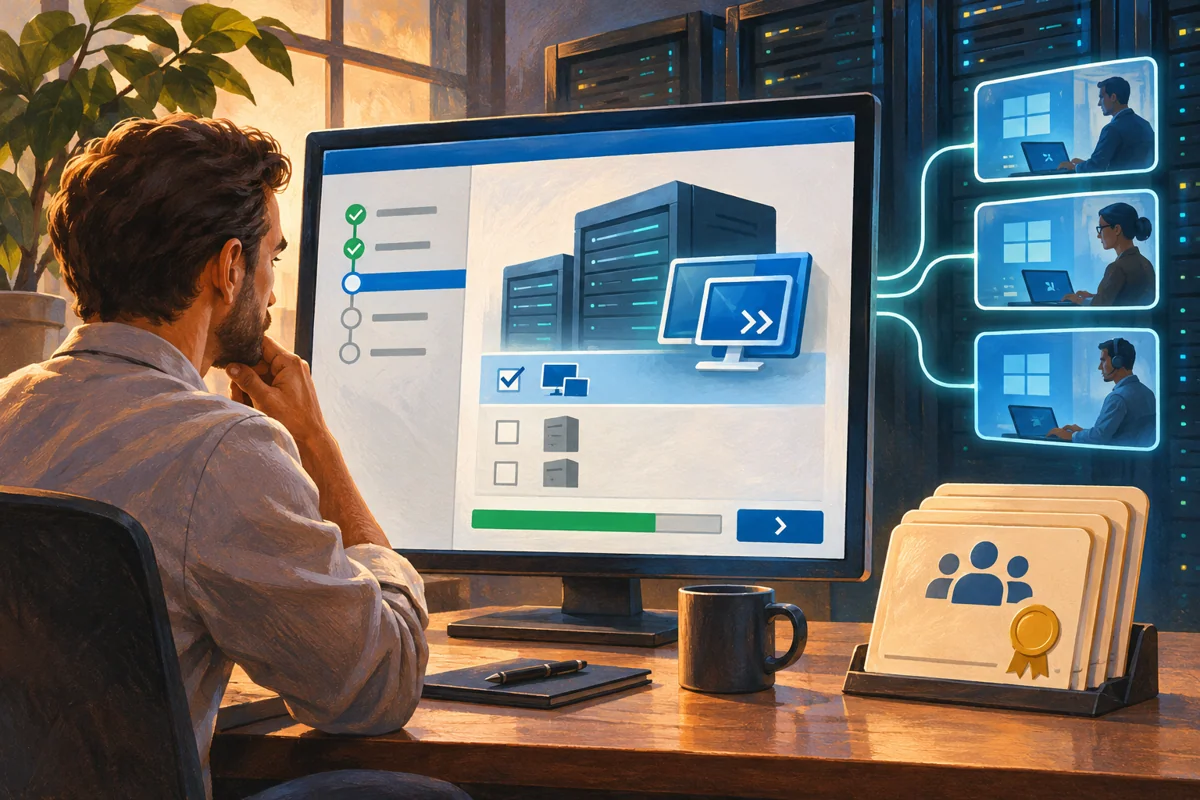 How to Install the Remote Desktop Session Host Role
Applies to: Windows Server 2019, 2022 and 2025.RD Session Host runs multi-user desktop…
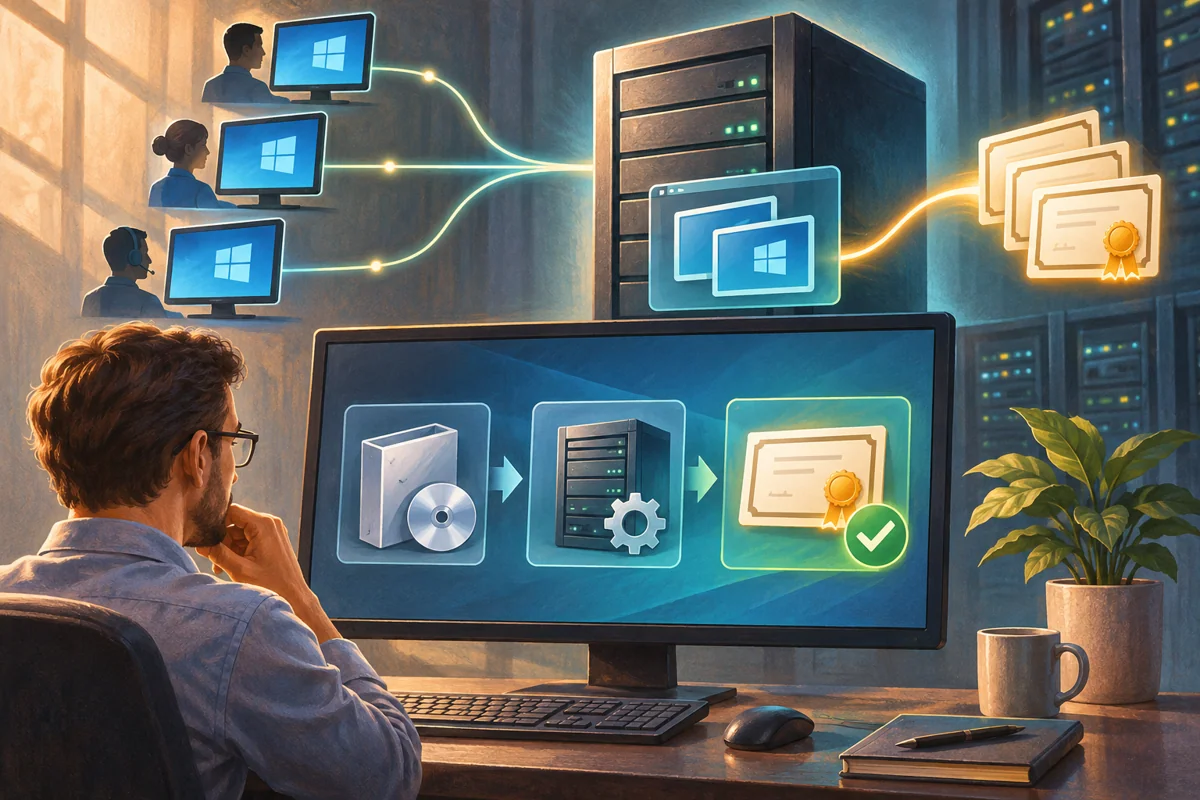 How to Install and Activate an RDS Licensing Server
Applies to: Windows Server 2019, 2022 and 2025.RD Licensing stores and issues eligible…
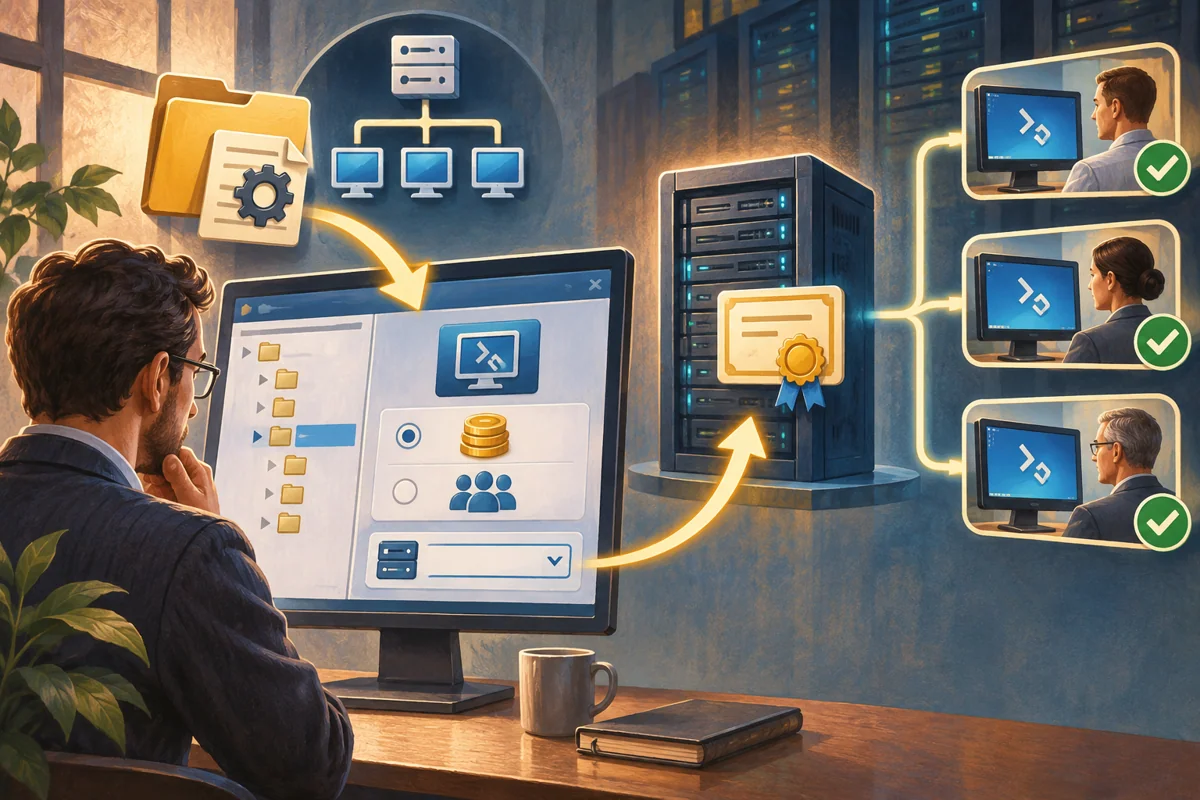 How to Configure RDS Licensing Mode and License Server with Group Policy
Applies to: Windows Server 2019, 2022 and 2025.Session Hosts need…
 How to Create an RDS Session Collection with PowerShell
Applies to: Windows Server 2019, 2022 and 2025.A session collection groups Session…
 How to Configure an RDS Licensing Server
Applies to: Windows Server 2019, Windows Server 2022, and Windows Server 2025.An RD Licensing server installs, tracks, and issues valid…
