Windows Networking, VPN and RRAS
TCP/IP, NIC teaming, routing, NAT, VPN, Remote Access, NPS and network troubleshooting.
Articles
 How Teams Work on a Windows VPS with RDS from Windows and Mac
A managed Windows VPS with Remote Desktop Services (RDS) lets several authorised people work on the same Windows server at the same time. Each employee signs in with an individual…
 How to Add and Remove Static Routes with PowerShell
Add and remove a precisely scoped Windows static route, verify interface and next-hop selection, test the application path, and distinguish persistent routing from DNS, firewall…
 How to Configure DNS Client Settings with PowerShell
Windows DNS client settings determine which resolvers a server asks for names. An incorrect resolver can break domain sign-in, application connections and administration even when…
 How to Configure NAT with Windows Server RRAS
Configure traditional RRAS IPv4 NAT with explicit public and private interfaces, verify client addressing and translation, troubleshoot return paths, and remove a pilot without…
 How to Configure NIC Teaming on Windows Server
Choose supported LBFO or Hyper-V SET teaming, prepare explicit adapters and upstream ports, verify traffic and controlled link failover, and retain addressing and switch…
 How to Configure NIC Teaming with Switch Independent Mode
Applies to: Windows Server 2019, Windows Server 2022, and Windows Server 2025.NIC Teaming combines adapters for resiliency without requiring switch-side…
 How to Configure Windows Server as a NAT Router
A Windows Server routing host can translate traffic from an approved private network onto an upstream network using RRAS NAT. This is a network design change, not simply a way to…
 How to Configure a Persistent Static Route
Applies to: Windows Server 2019, Windows Server 2022, and Windows Server 2025.A persistent route directs a specific destination network through an approved gateway after server…
 How to Configure a Secure IKEv2 Remote Access VPN with RRAS
Deploy an IKEv2-only RRAS VPN with a defined certificate and EAP-TLS NPS model, verify external client routing and rejected access, and diagnose failures without weakening…
 How to Configure a Site-to-Site VPN Interface in RRAS
Create an IKEv2 site-to-site RRAS interface with machine certificates, explicit remote routes and matched peer policy, then verify bidirectional application traffic and…
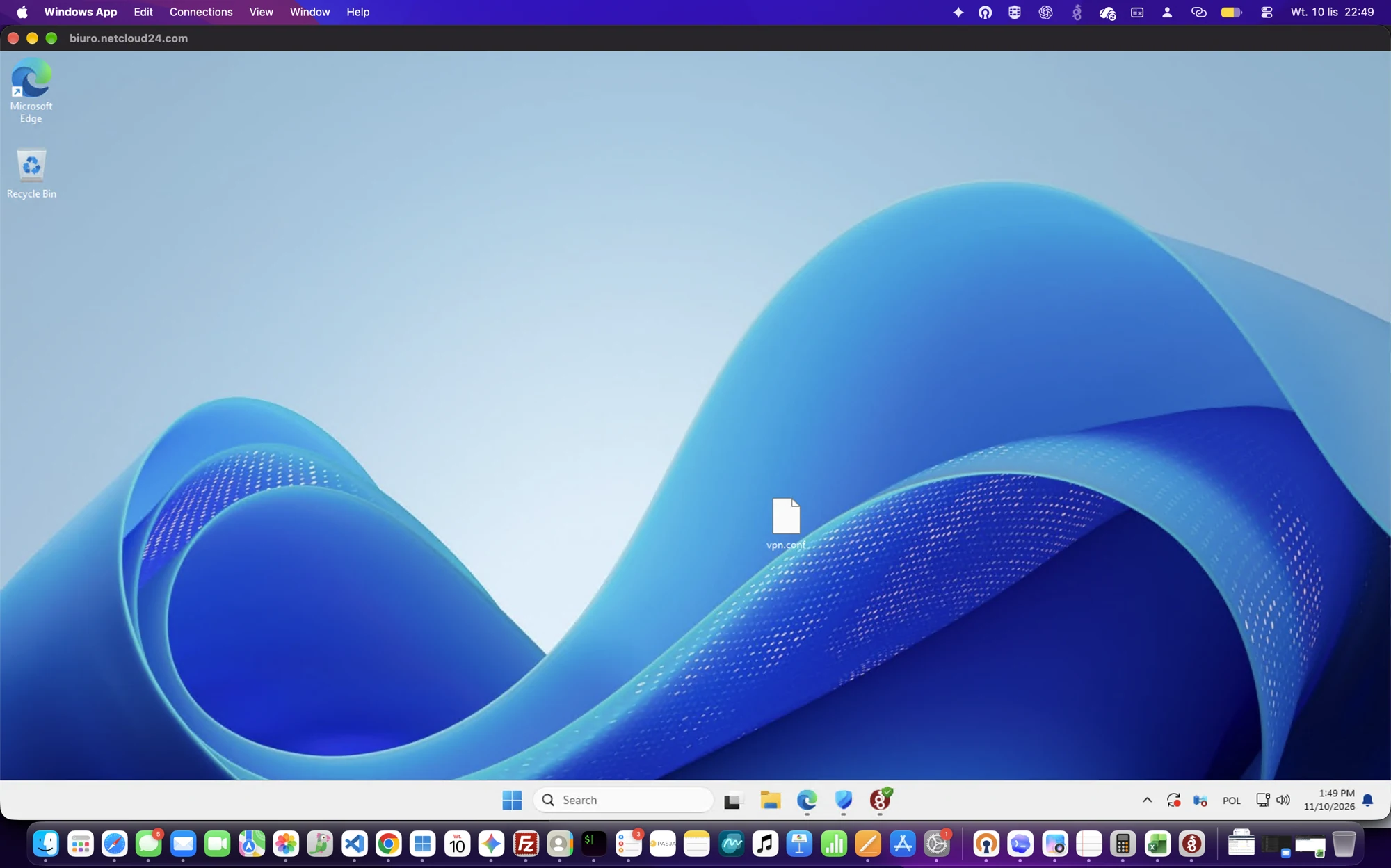
How to Connect to a Windows VPS from Mac with WireGuard and Windows App
Netcloud24 prepares your server environment from A to Z. We configure Windows Server, RDS, user accounts, VPN access and backups for the agreed service. You do not need to…
 How to Install RDS CALs and Enable Multi-User Remote Desktop on Windows Server
Remote Desktop Services (RDS) lets several people use applications and individual Windows desktops on one server. Each person signs in with a separate Windows account and works…
 How to Install and Register a Network Policy Server
Install NPS, register its computer account in AD, add known RADIUS devices, create a narrow pilot policy, and verify grants, denials and current Message-Authenticator hardening…
 How to Install the Remote Access and RRAS Roles on Windows Server
Install the appropriate Remote Access and RRAS components, distinguish routing from VPN initialization, account for platform and Windows Server differences, and verify the…
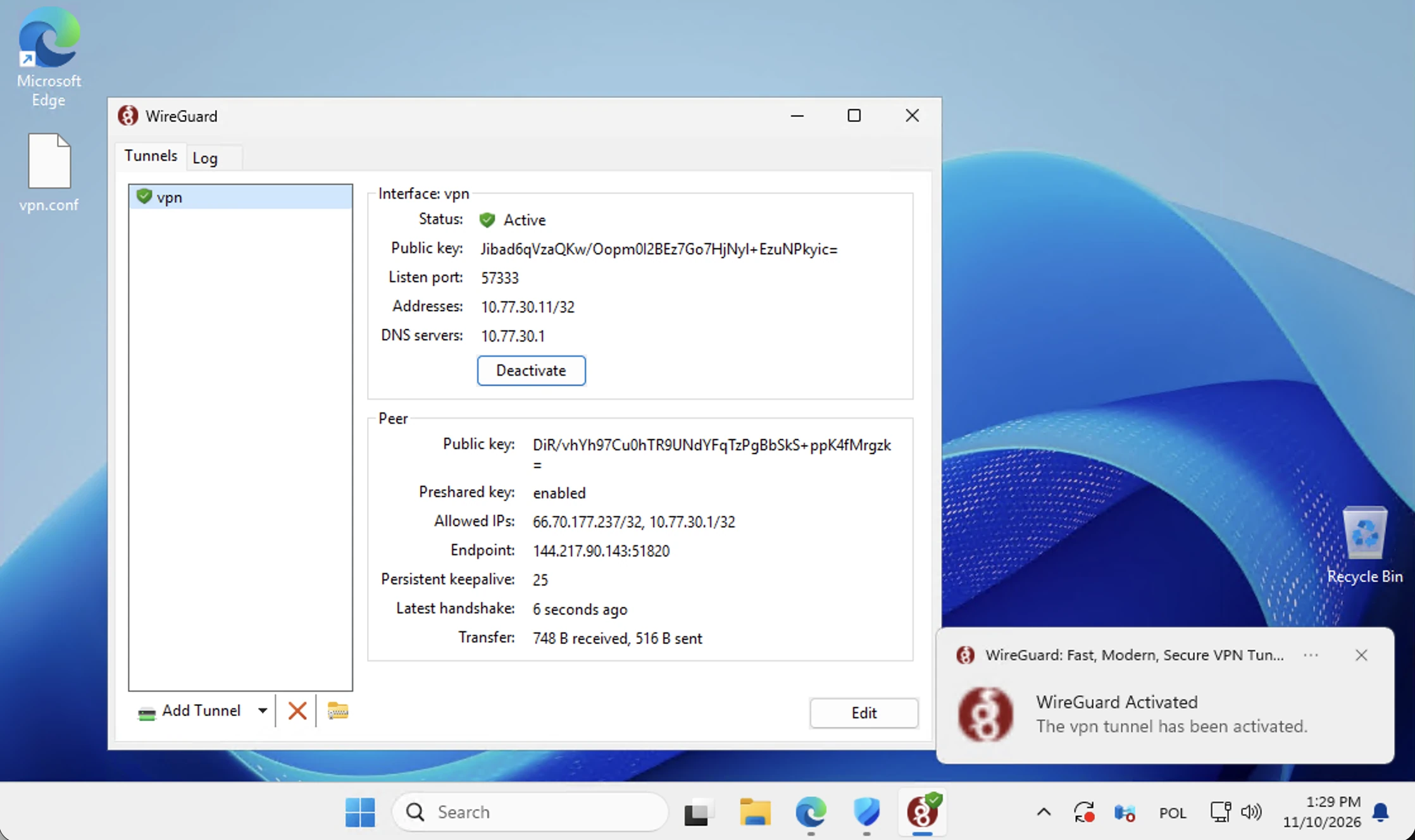 How to Set Up WireGuard VPN on Windows for Remote Desktop Access
Netcloud24 prepares your server environment from A to Z. We configure Windows Server, RDS, user accounts, VPN access and backups for the agreed service. You do not need to…
 How to Troubleshoot Windows Server Network Connectivity with PowerShell
Diagnose a specific Windows Server connection using adapter, DNS, route, TCP and listener evidence, distinguish UDP and application failures, and verify a focused repair without…
