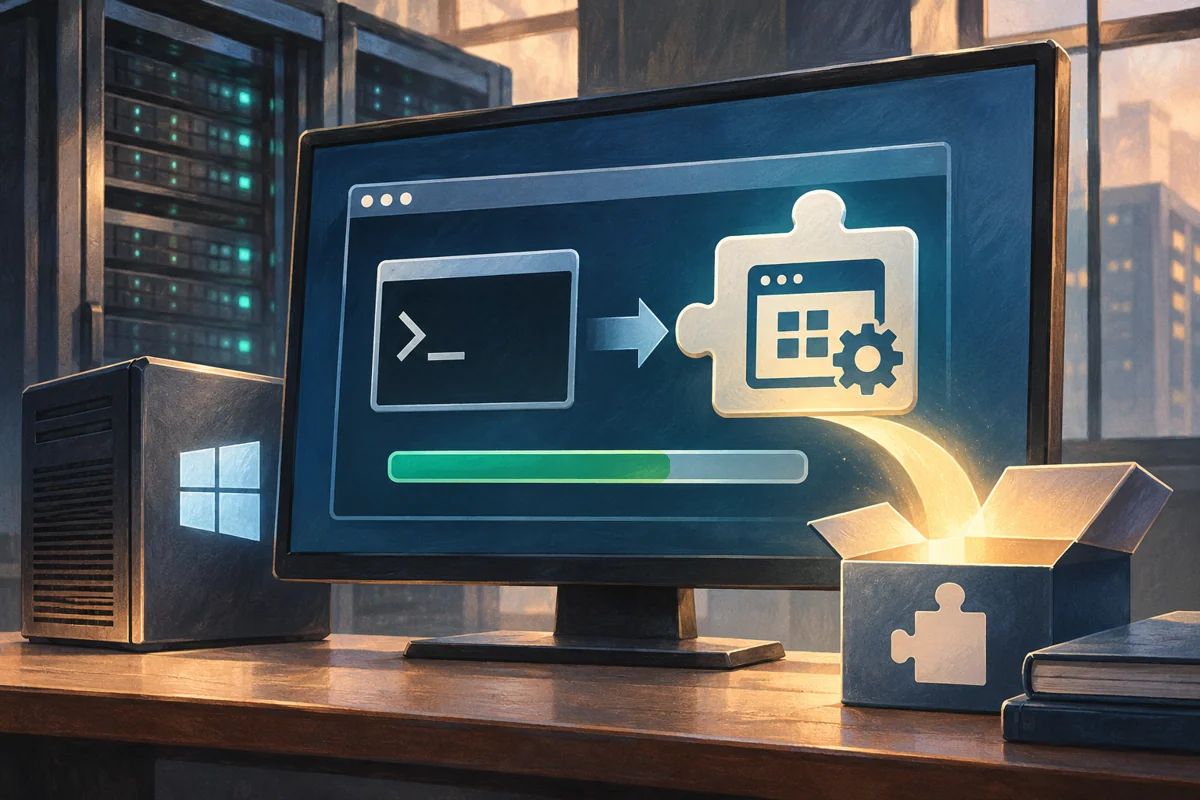
Applies to: Windows Server 2019, 2022 and 2025.
App Compatibility Feature on Demand adds selected binaries and tools to Server Core without installing the Desktop Experience shell.
Work from console access or a tested recovery path. Changes to remote access, licensing or domain membership can lock out administrators if prerequisites are wrong. Managed Windows VPS options are available at managed Windows VPS hosting.
Prerequisites
- Confirm the required tool is in the package.
- Use a feature source matching release and language.
- Create a recovery point.
- Do not treat the package as a Core-to-GUI conversion.
Step-by-step procedure
Step 1: Check current state
Query the capability.
Get-WindowsCapability -Online | Where Name -Like 'ServerCore.AppCompatibility*'Step 2: Provide source when required
Mount the matching Languages and Optional Features media if approved update sources cannot supply the payload.
Step 3: Install
Add the capability online.
Add-WindowsCapability -Online -Name ServerCore.AppCompatibility~~~~0.0.1.0Step 4: Restart if requested
Review RestartNeeded and reboot during maintenance.
Step 5: Test the required tool
Validate only the supported utility needed by the workload.
Verification
Capability state should be Installed.
Get-WindowsCapability -Online -Name ServerCore.AppCompatibility~~~~0.0.1.0Rollback
Use Remove-WindowsCapability after confirming no supported procedure depends on the package, then restart if requested.
Version and operational notes
Available components and sources differ by release. Match Windows Server 2019, 2022 or 2025 media exactly.
Official references
For a hosted environment with setup and onboarding, explore our managed Windows VPS plans.
 How to Install Windows Server 2025 with Desktop Experience
Install Windows Server 2025 with Desktop Experience from authorized media. Select the correct image and disk, verify edition and…
 How to Install Windows Server 2022 Server Core
Install Windows Server 2022 Server Core with a manageable baseline. Confirm workload support, select the correct image, use SConfig and…
 How to Install Windows Server 2019 with Desktop Experience
Install Windows Server 2019 with Desktop Experience for a supported workload. Prepare licensing and recovery, choose the correct disk and…
 Server Core vs Desktop Experience: How to Choose for Windows Server 2019, 2022 and 2025
Compare Server Core and Desktop Experience for Windows Server 2019, 2022 and 2025. Assess application support, management tools, optional…
 How to Configure Windows Server Core with SConfig
Configure Windows Server Core with SConfig using an approved baseline. Set identity, networking, time, domain membership, updates and…
