Windows Server Installation and Initial Configuration
Installation, deployment, activation, Server Core, Desktop Experience and post-install configuration for Windows Server 2019, 2022 and 2025.
Articles
 How to Activate Windows Server and Check Licensing Status
Check Windows Server edition, activation channel and expiration with built-in tools. Use the approved activation method, diagnose failures, protect product keys and keep…
 How to Check the Windows Server Version, Edition and Build Number
Applies to: Windows Server 2019, 2022 and 2025.Product name, servicing edition, installation type and build…
 How to Configure Windows Server Core with SConfig
Configure Windows Server Core with SConfig using an approved baseline. Set identity, networking, time, domain membership, updates and remote access, then verify the result through…
 How to Configure Windows Server Update Settings with SConfig
Applies to: Windows Server 2019, 2022 and 2025.SConfig controls update behaviour on an individual server, but domain…
 How to Configure a Static IPv4 Address and DNS on Windows Server
Configure a static IPv4 address and DNS on Windows Server with a verified network plan. Identify adapters, understand existing routes, validate communication and recover using the…
 How to Convert Windows Server Evaluation to Retail with DISM
Applies to: Windows Server 2019, 2022 and 2025.Evaluation conversion is supported only for target editions reported by…
 How to Create a Local Administrator Account without Exposing the Password
Create a local administrator using a secure password prompt and explicit account objects. Review membership, test approved access and manage ownership, credential rotation, expiry…
 How to Enable Remote Desktop Securely on Windows Server
Enable administrative Remote Desktop with an approved access path, NLA and restricted firewall scope. Authorize individual accounts, verify server identity and test allowed access…
 How to Enable Remote Management for Server Manager
Applies to: Windows Server 2019, 2022 and 2025.Server Manager depends on WinRM, firewall rules, name resolution and compatible…
 How to Enable and Test PowerShell Remoting on Windows Server
Enable and test Windows PowerShell remoting with WinRM using trusted management paths. Inspect listeners, authentication and firewall scope, verify remote commands and preserve…
 How to Install Server Core App Compatibility Feature on Demand
Applies to: Windows Server 2019, 2022 and 2025.App Compatibility Feature on Demand adds selected binaries and tools…
 How to Install Windows Server 2019 with Desktop Experience
Install Windows Server 2019 with Desktop Experience for a supported workload. Prepare licensing and recovery, choose the correct disk and image, verify the installation and plan…
 How to Install Windows Server 2022 Server Core
Install Windows Server 2022 Server Core with a manageable baseline. Confirm workload support, select the correct image, use SConfig and verify networking, storage, installation…
 How to Install Windows Server 2025 with Desktop Experience
Install Windows Server 2025 with Desktop Experience from authorized media. Select the correct image and disk, verify edition and activation, diagnose setup problems and prepare…
 How to Install Windows Server Roles and Features with PowerShell
Applies to: Windows Server 2019, 2022 and 2025.ServerManager cmdlets provide repeatable role installation and…
 How to Install Windows Updates on Server Core with SConfig
Install Windows updates on Server Core with SConfig through a controlled maintenance process. Prepare recovery, review update scope, complete restarts, verify the application and…
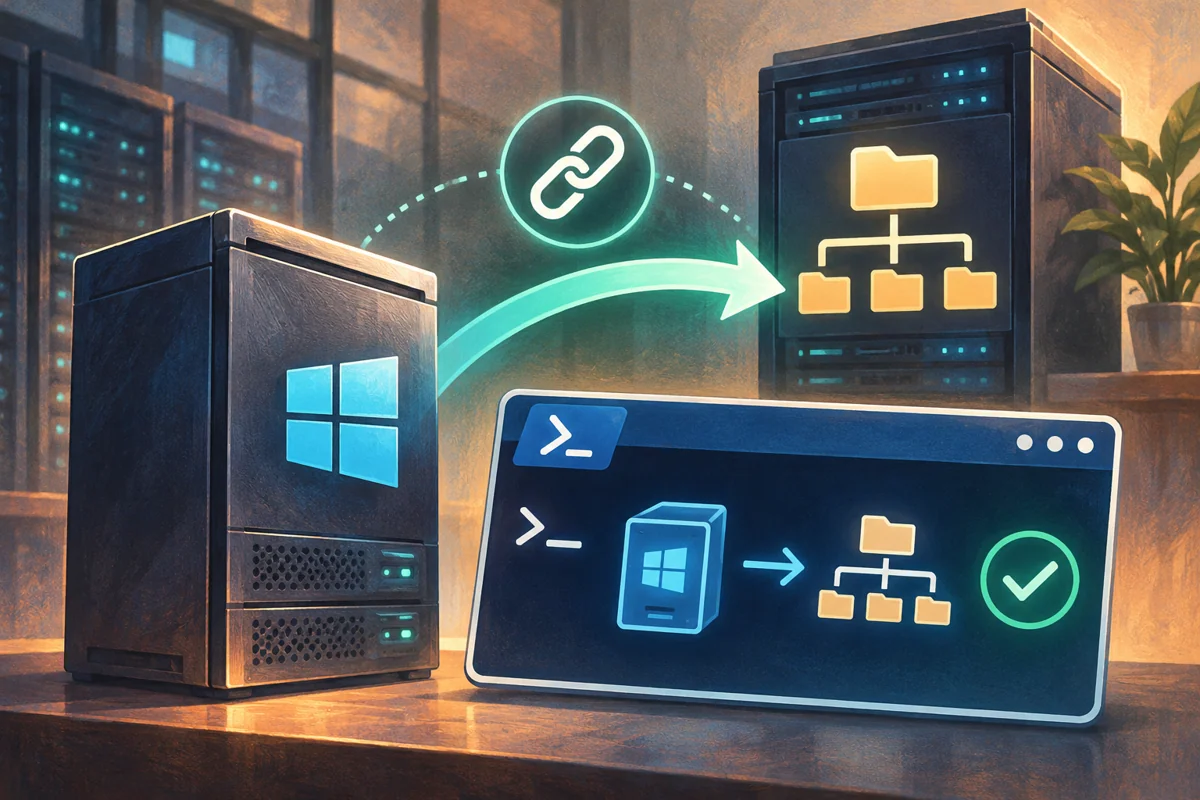 How to Join Windows Server to an Active Directory Domain with PowerShell
Join Windows Server to Active Directory with delegated credentials and a controlled restart. Verify DNS, time, OU placement and account-reuse requirements, then test trust,…
 How to Rename Windows Server Safely with PowerShell
Rename an ordinary Windows Server member or standalone server using PowerShell. Check dependencies and name conflicts, control the restart, validate DNS and applications, and…
 How to Set the Time Zone and Verify Time Synchronization on Windows Server
Set the Windows Server time zone and verify clock synchronization separately. Understand domain time hierarchy, inspect sources and events, diagnose failures and review scheduled…
 How to Set the Windows Server Computer Description and Asset Information
Applies to: Windows Server 2019, 2022 and 2025.A consistent description helps identify purpose and…
 Server Core vs Desktop Experience: How to Choose for Windows Server 2019, 2022 and 2025
Compare Server Core and Desktop Experience for Windows Server 2019, 2022 and 2025. Assess application support, management tools, optional components and recovery skills before…
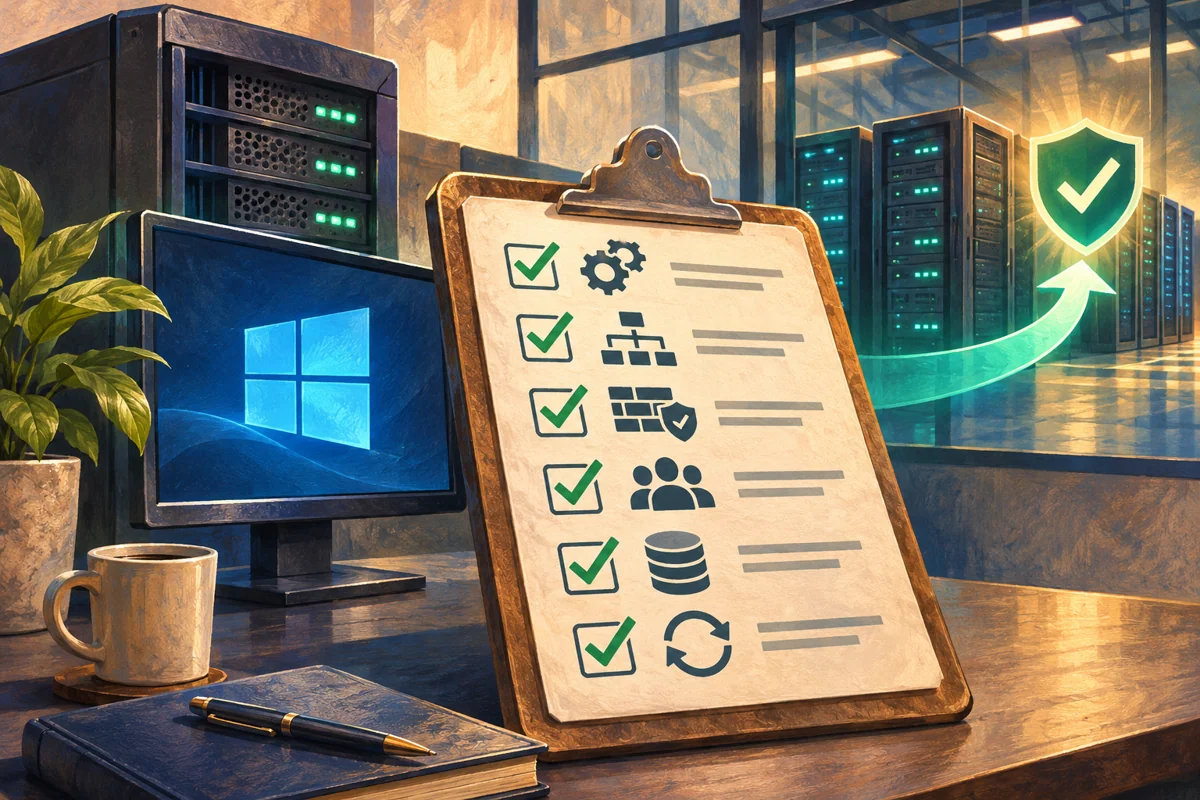 Windows Server Post-Installation Checklist for Production Deployment
Applies to: Windows Server 2019, 2022 and 2025.Installation creates an operating system, not a production-ready…
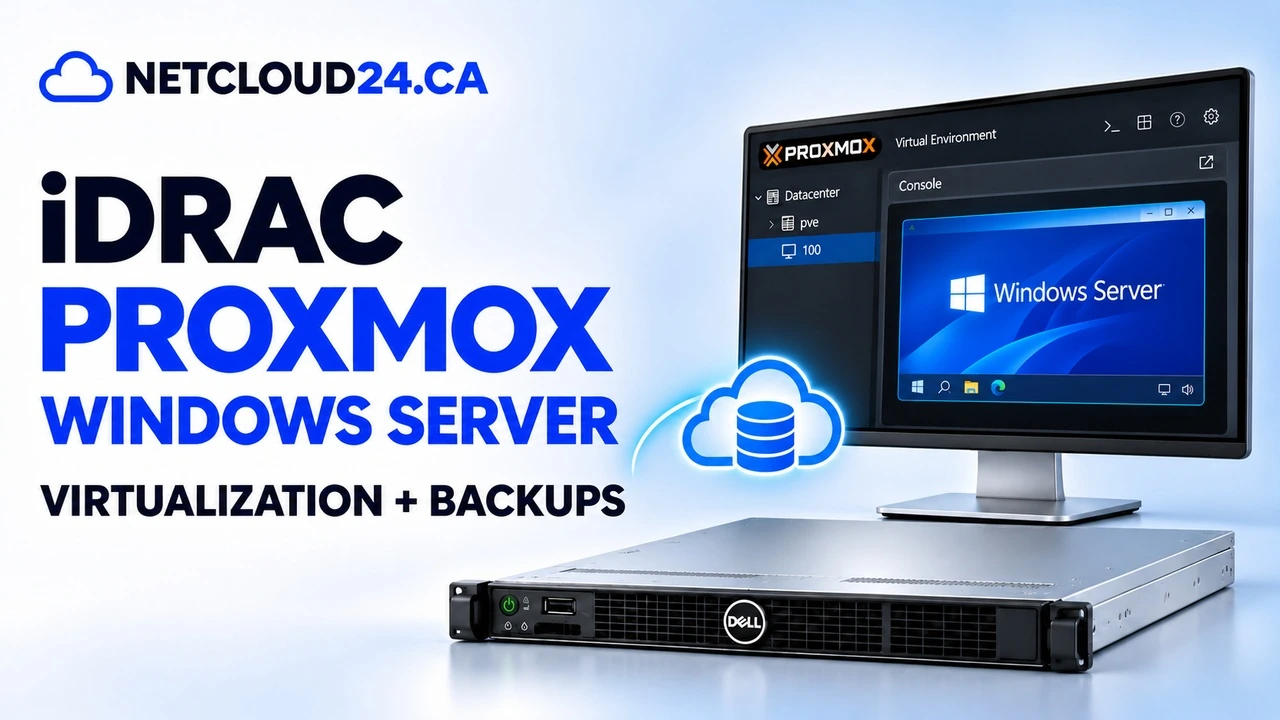 iDRAC and Proxmox: Windows Server, VirtIO and Independent Backups
Install Proxmox remotely through iDRAC, understand VirtIO performance, configure private DHCP and protect independent backups with restricted tokens.
