Hyper-V and Windows Containers
Hyper-V hosts, virtual switches, virtual machines, checkpoints, replication, nested virtualization and Windows containers.
Articles
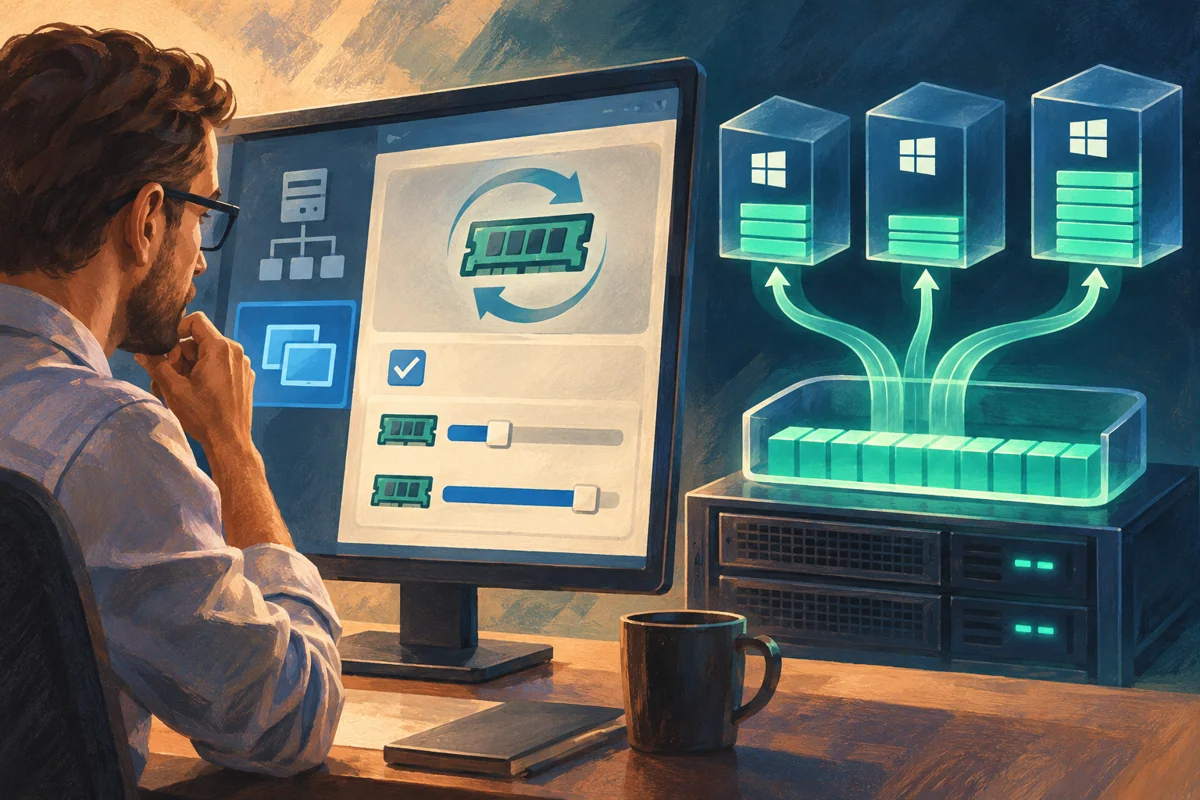 How to Configure Hyper-V Dynamic Memory
Applies to: Windows Server 2019, Windows Server 2022, and Windows Server 2025.Dynamic Memory adjusts virtual-machine RAM within safe administrator-defined…
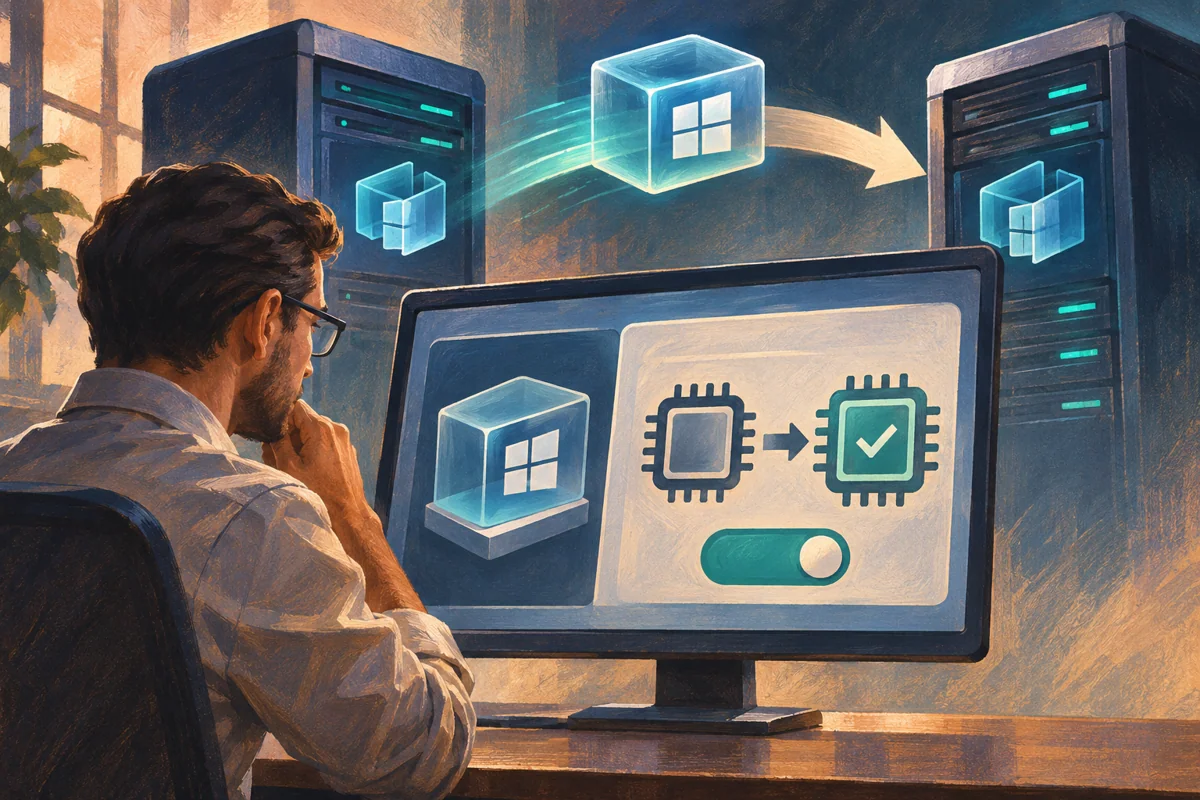 How to Configure Hyper-V Processor Compatibility for Migration
Applies to: Windows Server 2019, Windows Server 2022, and Windows Server 2025.Processor compatibility can support migration between different CPU generations at the cost of hiding…
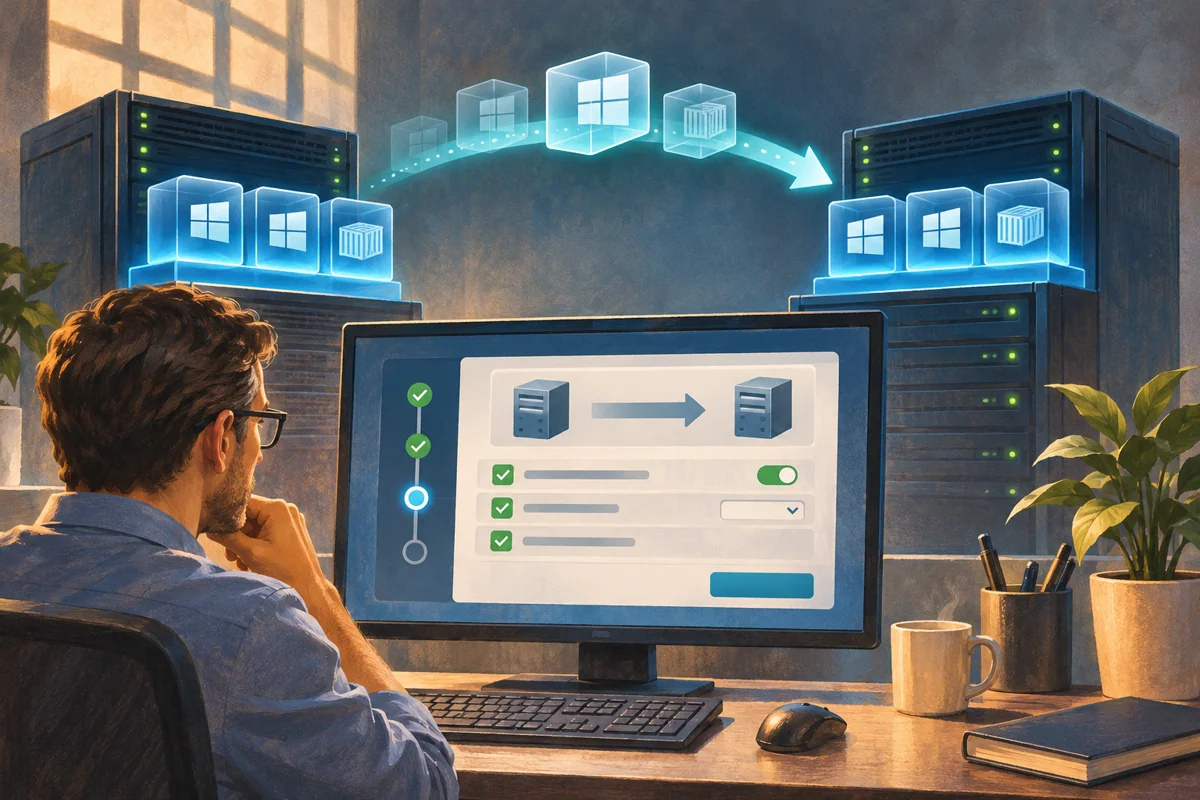 How to Configure Hyper-V Replica Between Two Hosts
Configure certificate-authenticated Hyper-V Replica between standalone hosts, restrict the receiving listener, verify synchronization, and plan isolated testing, failover and…
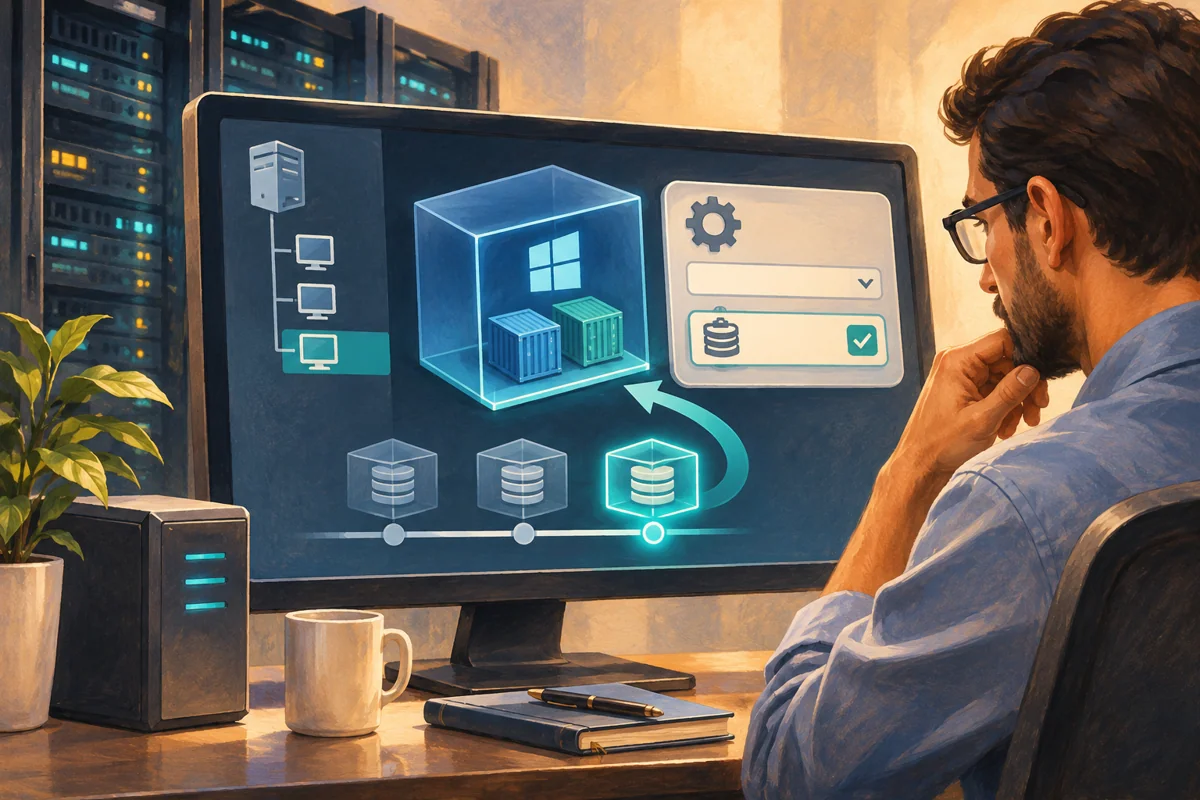 How to Configure Production Checkpoints in Hyper-V
Configure Hyper-V ProductionOnly checkpoints, validate guest VSS and storage prerequisites, create a maintenance checkpoint, and understand restore, merge, fallback and…
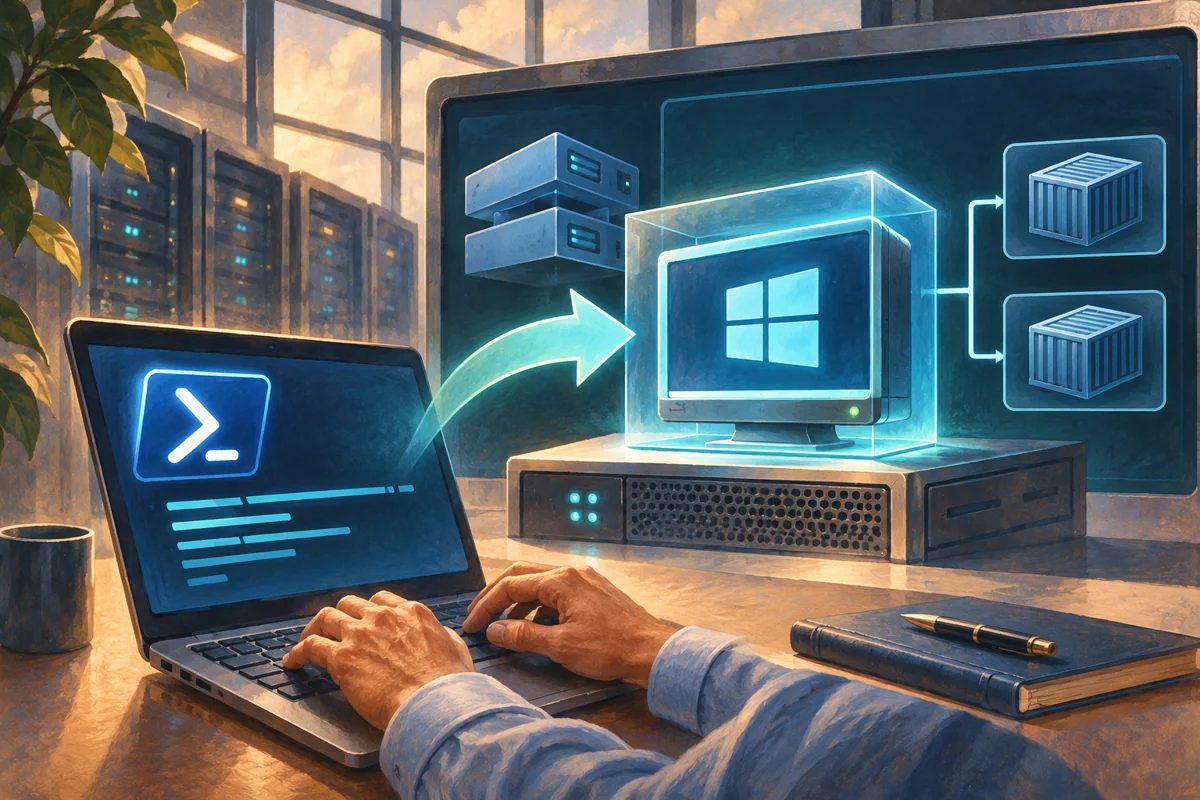 How to Create a Generation 2 Hyper-V Virtual Machine with PowerShell
Create a Generation 2 Hyper-V VM with explicit storage, CPU, memory, UEFI and Secure Boot settings, install a supported guest, and validate networking, integration services and…
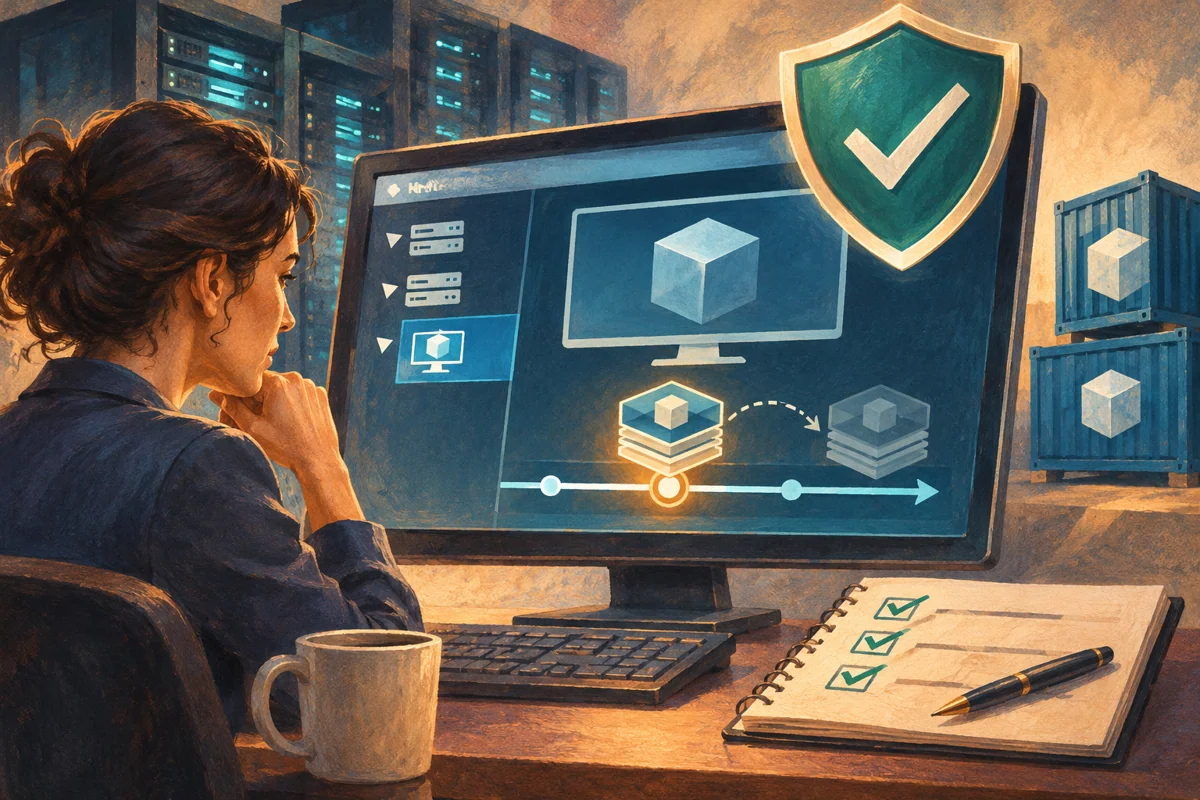 How to Create a Hyper-V Checkpoint Safely
Applies to: Windows Server 2019, Windows Server 2022, and Windows Server 2025.A production checkpoint provides a short-lived recovery point before a controlled virtual-machine…
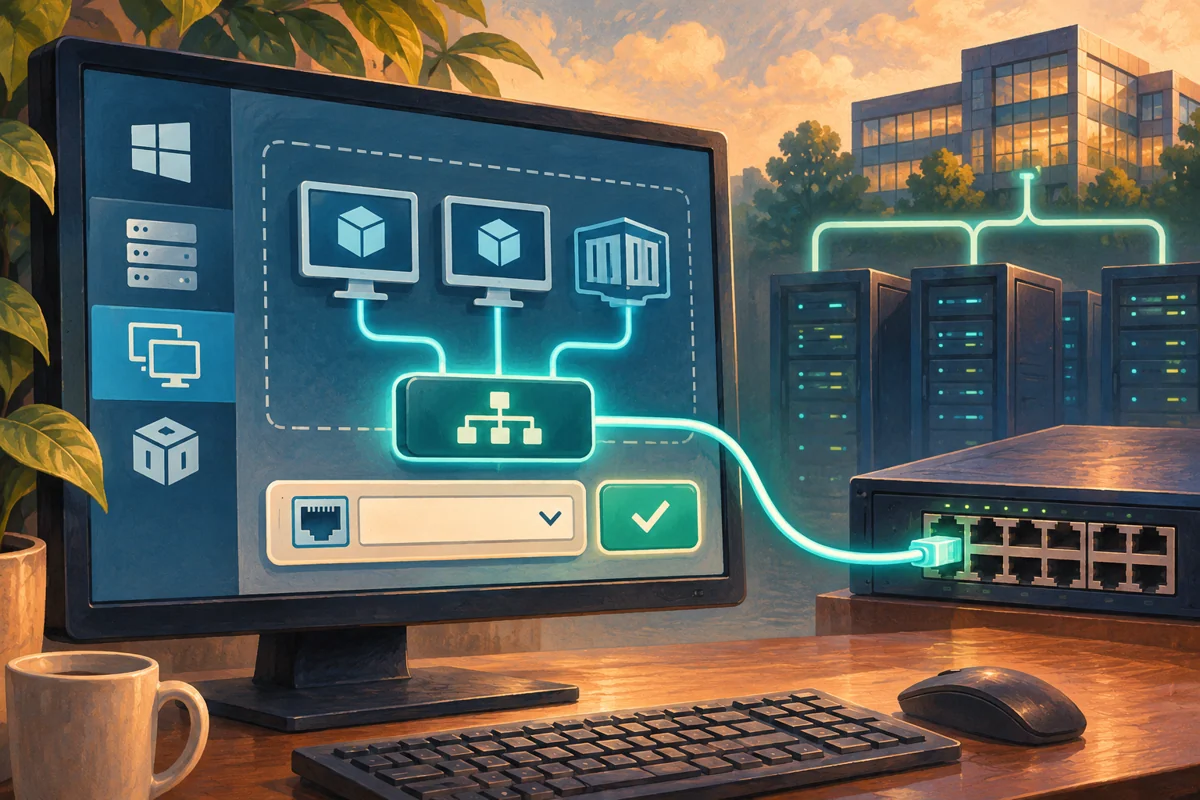 How to Create an External Hyper-V Virtual Switch
Create an external Hyper-V switch with explicit uplink and management-sharing choices, verify host and guest VLANs, diagnose provider restrictions, and preserve a practical…
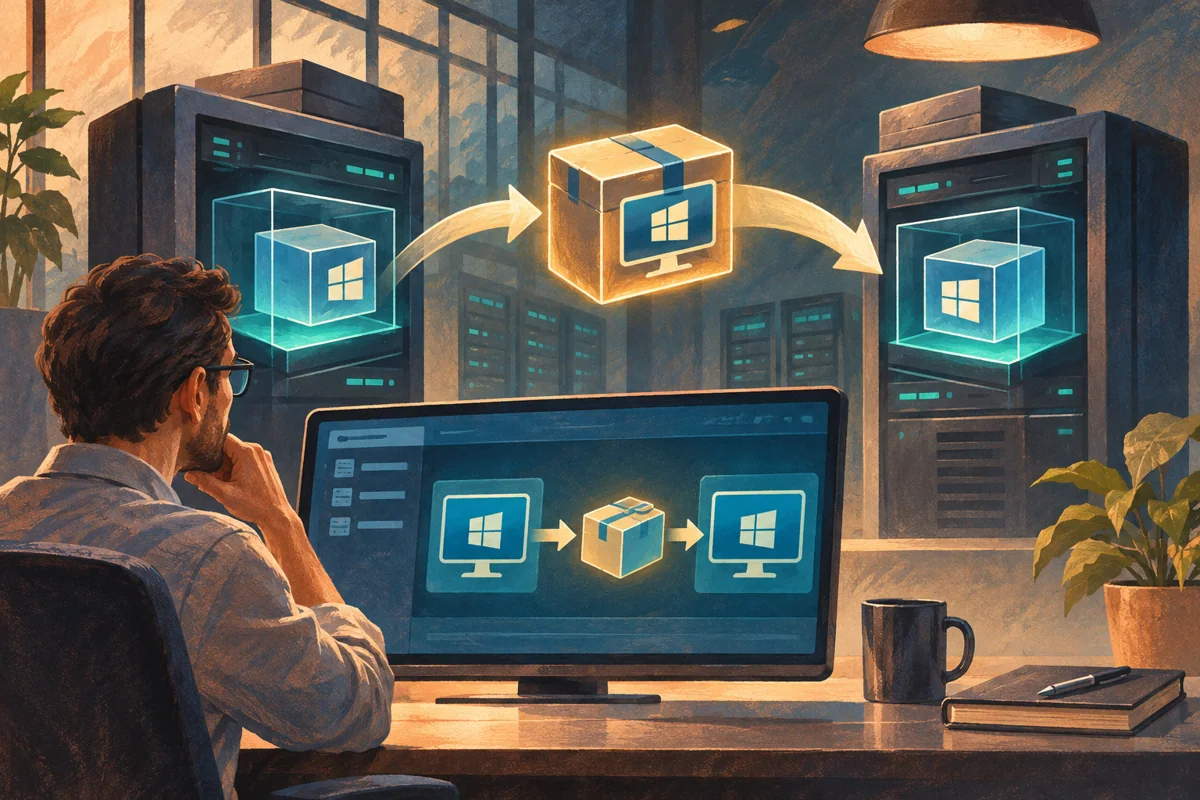 How to Export and Import a Hyper-V Virtual Machine
Applies to: Windows Server 2019, Windows Server 2022, and Windows Server 2025.Hyper-V export creates a portable copy of VM configuration, disks, and checkpoint…
 How to Install the Hyper-V Role on Windows Server
Install Hyper-V on a supported Windows Server host, verify processor and nesting prerequisites, restart deliberately, check hypervisor readiness, and establish storage and…
